PORTAL
Find and explore datasets, data products and further science content.
The O2A PORTAL solution is a user-friendly one-stop-shop framework for integrated discovery of various types of scientific content. It makes metadata from different sources, data from near real-time to published data products, as well as services and map products explorable. The portal framework is highly customizable for different communities and includes viewers. Examples are the Marine Data Portal and the Earth Data Portal.
It supports, among other things:
- Discovery of information on research infrastructures, platforms, devices and sensors
- Discovery of campaign and expedition specific metadata including its scientific output
- Discovery of thematically grouped data and data products in collections and viewers
- Discovery of software tools and services
- Faceted search allowing users to filter for repositories, projects, platforms, etc.
- Flexible pages as a light-weight content management system to present community relevant information
The following sections describe core features of the portal solution.
Home
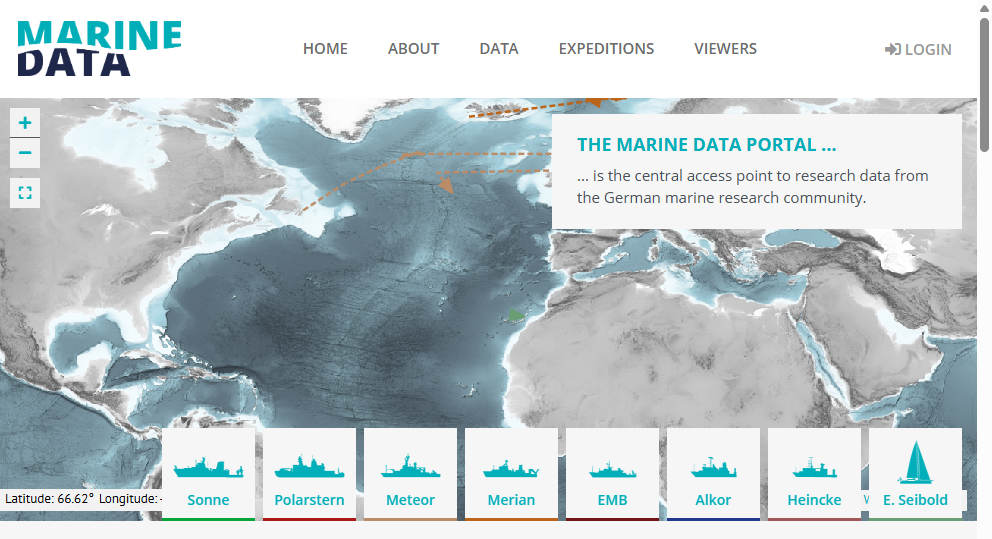
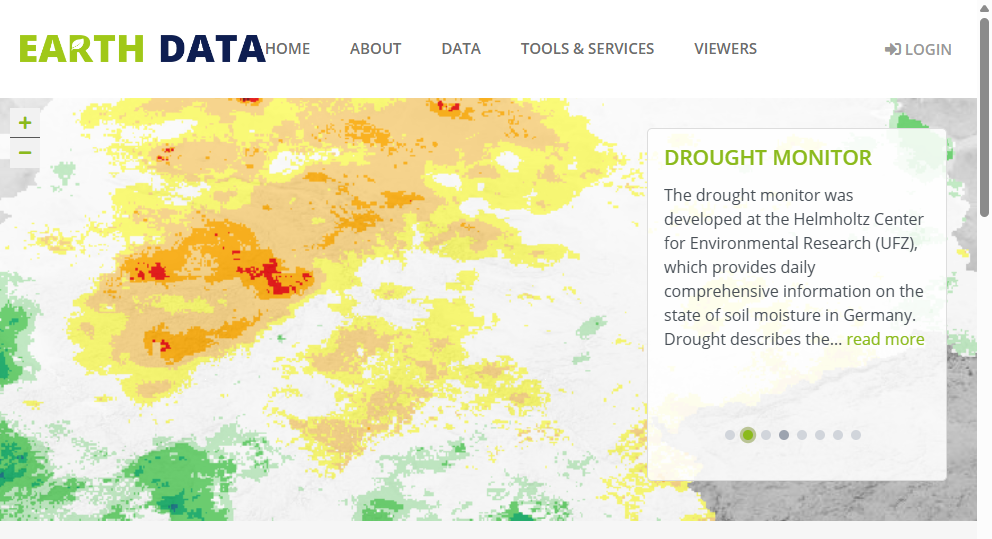
The home page of a portal instance is flexible and customizable for different communities. For example, the Marine Data Portal starts with a map of research vessels, a central aspect of marine data infrastructures. The Earth Data Portal, on the other hand, shows spotlight viewers from different compartments in earth science.
Collections
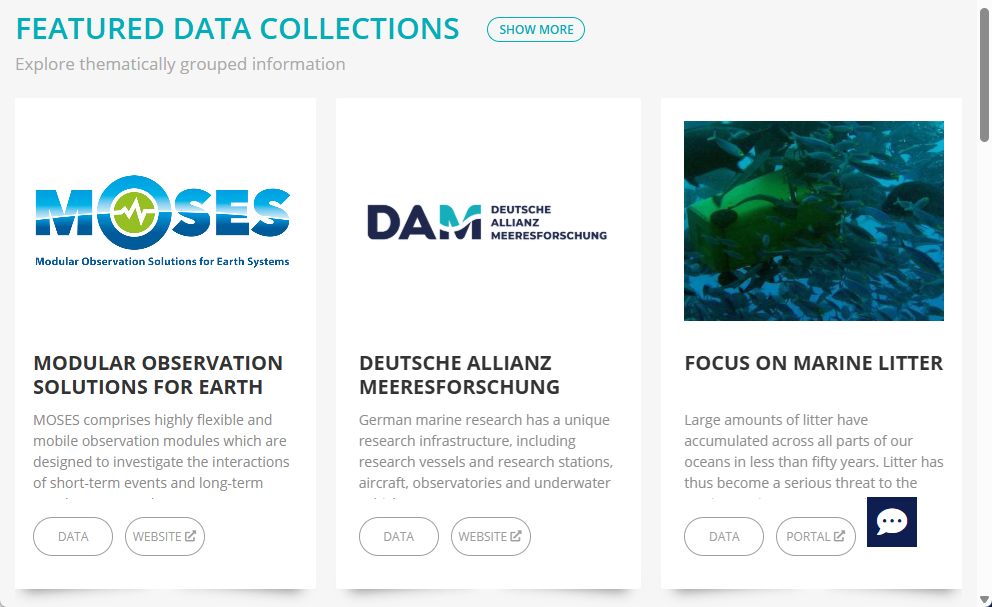
Collections and spotlights are curated entry points for thematically grouped information of interest to users of a community. Collections provide shortcuts for metadata exploration in the data search, links to external project pages, or customized viewers.
TIP
Do you have a proposal for an additional collection or spotlight? Get in contact with us by using the 💬 feedback button or by writing at o2a-support@awi.de. Please explain why your proposal is of interest for the community. Send a title, a short teaser, an image and relevant links. We will decide to integrate your proposal.
Latest Publications
In the latest publications section, the most recent datasets, articles and reports are listed. It's just a teaser. To search for datasets, articles and more, use the data fulltext search.
All content is harvested from different data providers. Each provider is responsible for metadata quality and granularity. The portal instance can be customized to filter for specific content.
TIP
If you like to provide additional content, have a look at the become a content provider section.
Expeditions
The portal offers an overview of expedition metadata for research vessels as well as land-based campaigns. Curated expedition metadata originates from PANGAEA.
Use the search bar at the top and the facets on the left to filter results for specific keywords. Have a look at how to search. Expedition details on the right are dynamically linked to harvested content, e.g., datasets, publications and reports.
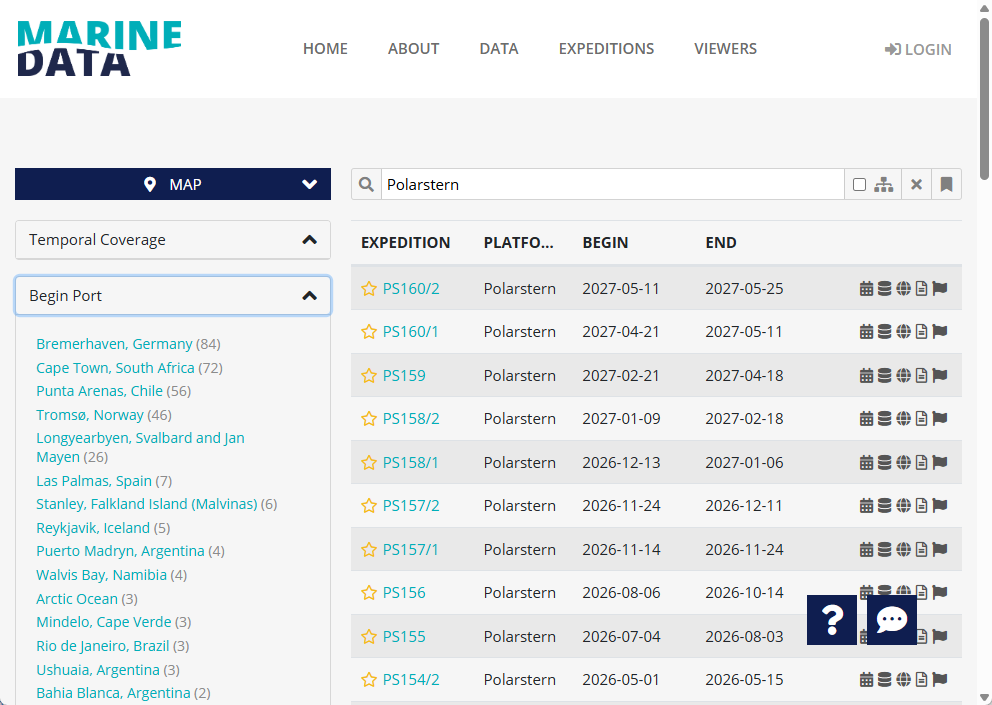 Expedition overview with a search for the research vessel "Polarstern".
 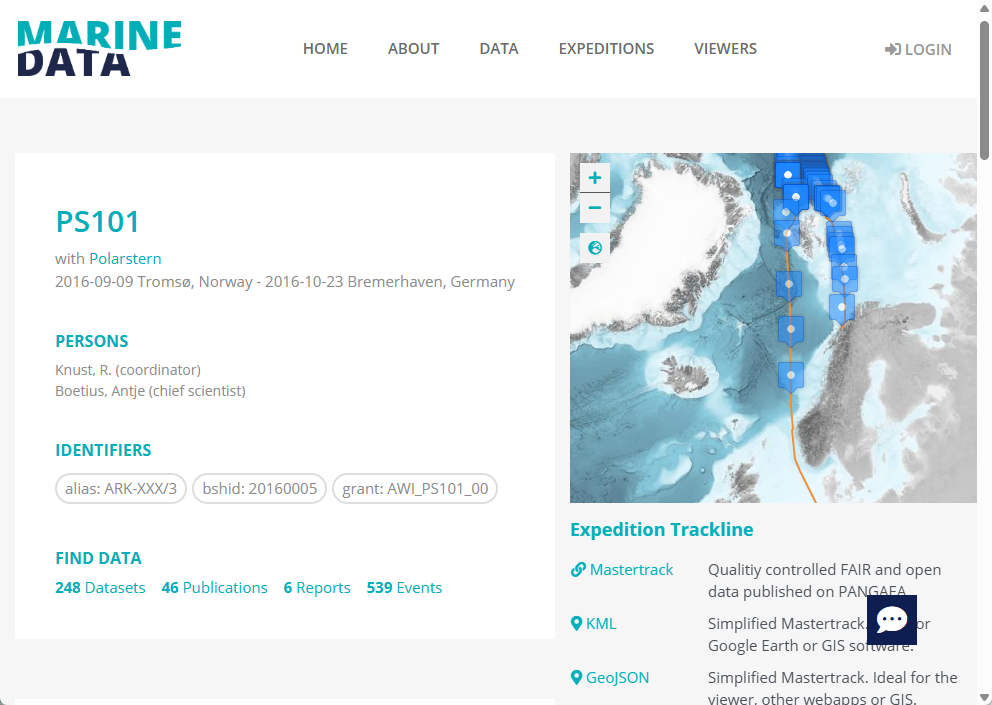 Expedition details for the expedition PS101.
 TIP
You are missing some information? Please report your issue by using the 💬 feedback button.
Infrastructures
The portal presents an overview of existing research infrastructures, platforms and devices used in the community. By default, the content originates from O2A REGISTRY, but can be customized for other data sources as well.
Use the search bar at the top and the facets on the left to filter results for specific keywords. Have a look at how to search. The screenshot on the right shows infrastructure details. Harvested content as well as near real-time data from O2A INGEST can be shown.
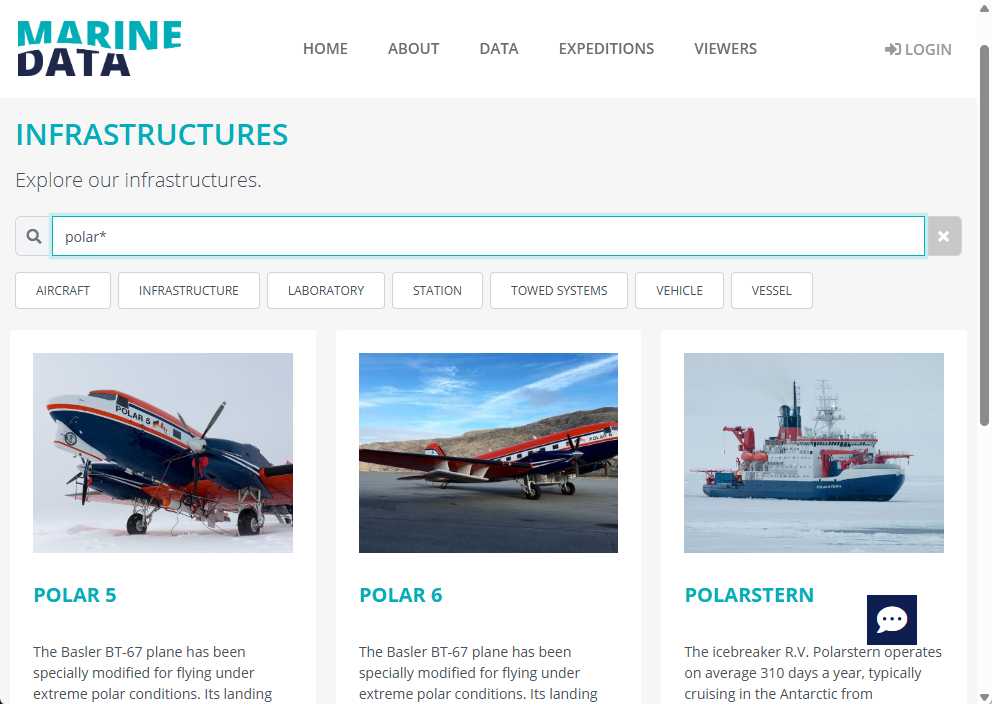 The infrastructures overview shows results for a search for "polar*".
 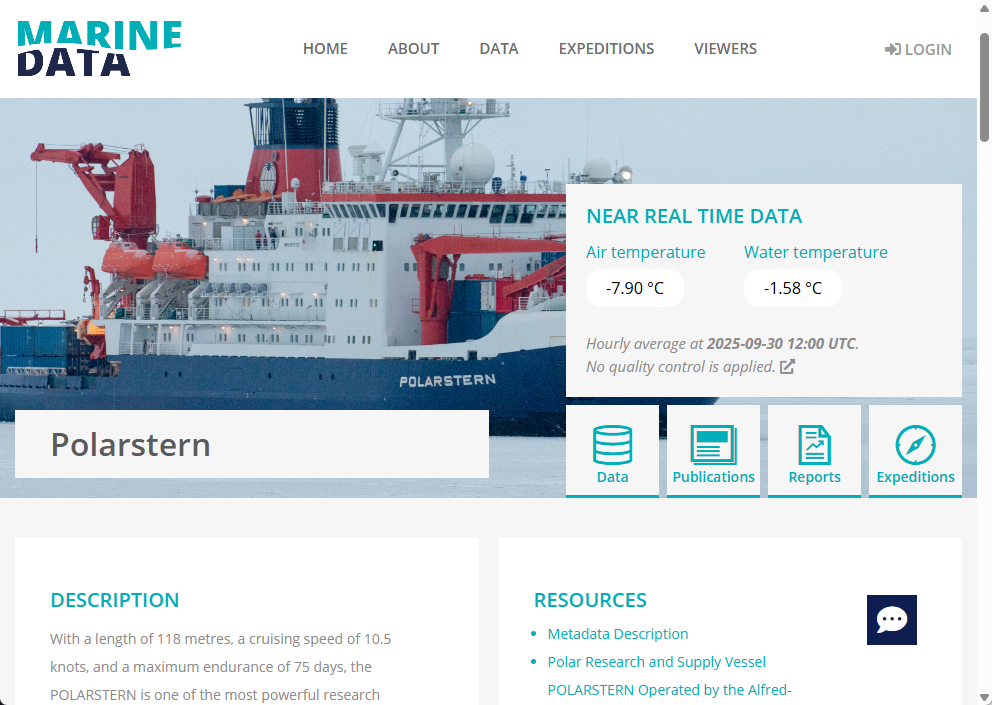 Infrastructure details for the research vessel Polarstern.
 TIP
Platform and device metadata is managed with O2A REGISTRY. You can request an account for providing metadata by using the 💬 feedback button.
Data and Further Content
Research for datasets, articles, reports and more is offered on the data site. The content is harvested from different content providers. Each repository provider is responsible for metadata quality and granularity. The portal presents aggregated content as-is.
Use the search bar at the top and the facets on the left to filter results for specific keywords, e.g., "temperature" and "ps101". The screenshot shows search results for these keywords with a restriction to the content type "data". Have a look at how to search.
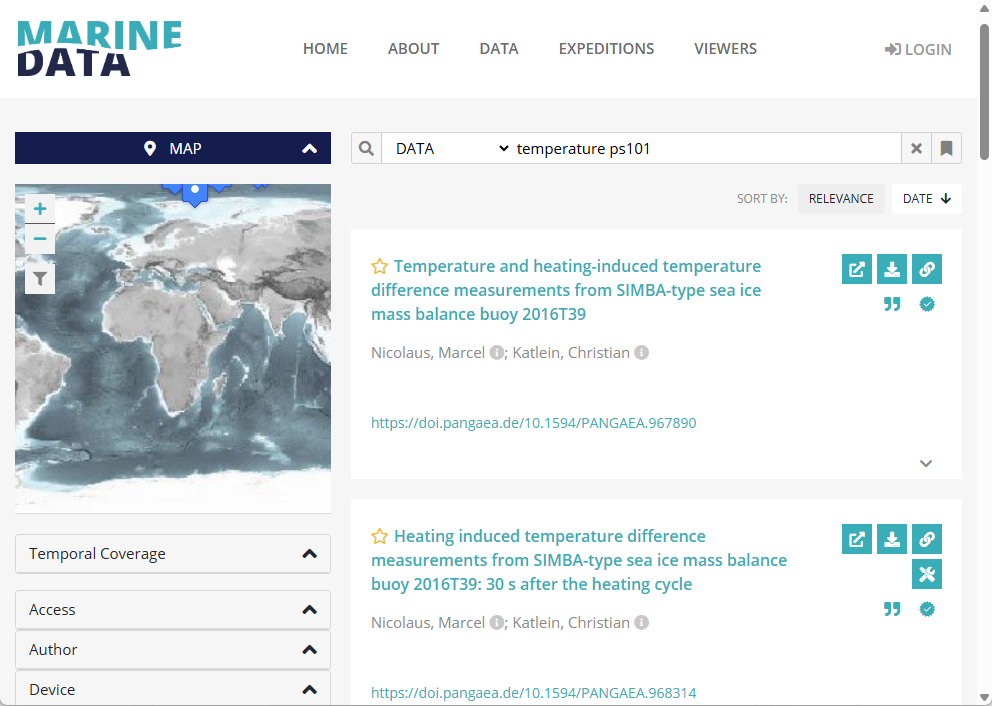
Each search result shows the dataset's title, authors and a link to the original metadata source, ideally a digital object identifier (DOI). On the right hand side, several icons indicate actions or further metadata.
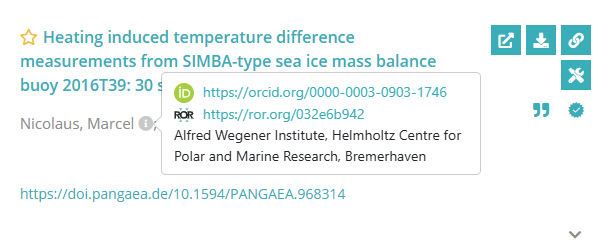
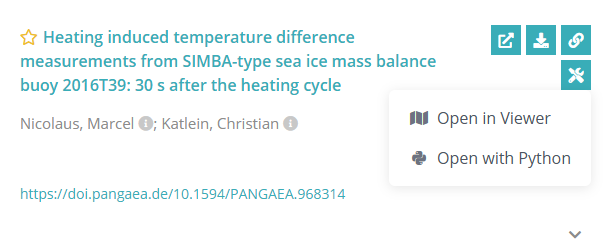
If metadata contains details about authors, this information is presented next to an author's name. Details may contain the author's ORCID, the affiliated research organization and its ROR. The portal supports tools for some types of datasets, including the visualization of a dataset in the viewer or hints to open a dataset with Python.
The following action buttons may be available, depending on the metadata of a dataset:
 click to store this dataset as a personal favourite (login required)
 the dataset contains relations to further information
 the dataset has files which can be downloaded
 link to the original metadata source
 portal tools can be used to explore this dataset (login required)
The following metadata quality indicators may be available, depending on the metadata of a dataset:
 the dataset is open access
 the dataset is citable by a DOI or handle
 the dataset has a license defined
TIP
If you like to provide additional content, have a look at the become a content provider section.
Viewers
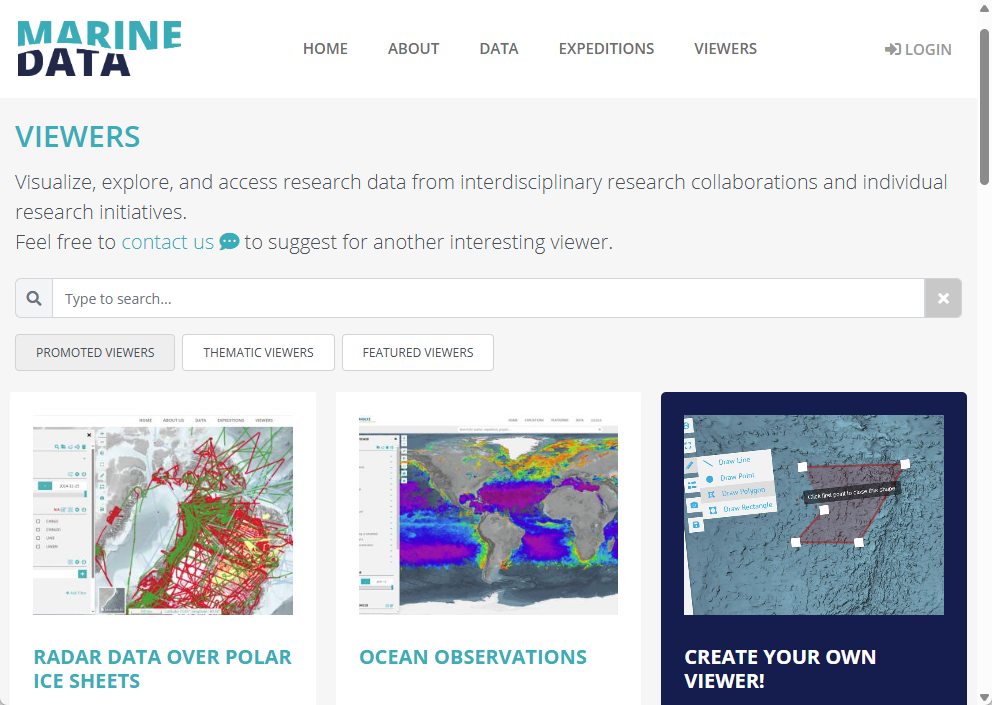
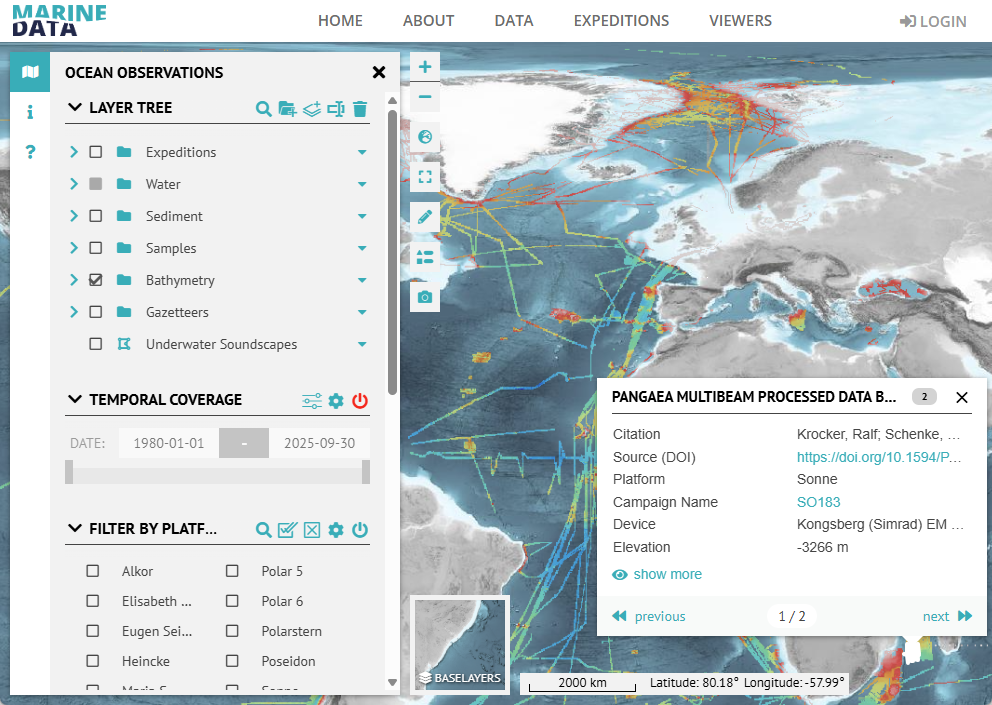
The portal provides logged-in users the opportunity to create, store and share viewers. Viewers allow exploration of curated data products and are highly user customizable. Just start exploring interesting data with the viewer. You can find an introduction to the viewer in its user manual.
How to search
The portal's search engine allows searching for keywords and filtering by temporal and geographical extents. For multiple keywords, only results containing all given keywords will be returned. Specific content can also be found by filtering, e.g., by author, expedition identifier, and more.
Use keyword search by typing in the search bar at the top, e.g.:
thermosalinographto find any content for such a devicePS120to find any content for such an expeditionPS120 +thermosalinographto find any content related to both the device and expeditionPS119_40872to find any content for such an eventparameters.name:temperatureto find any content that explicitly names such a parameter0000-0003-2117-4176to find any content related with such an ORCID
You can optionally use wildcards * for fuzzy matching of metadata. For example, the search query polar* will return all datasets containing keywords starting with "polar".
The generic type filter can be used to find only datasets, publications, reports, maps, software, or services.
Use the map filter and click the filter icon to find any content that has a geographical extent intersecting with the visible area.
Content is filtered by temporal coverage if not collapsed.
Other filters are only visible if available. Click an entry to further restrict your search results.