FAQ
This document is a stub and work in progress.
To propose specific questions, feel free to contact as via mail (o2a-support@awi.de) or create a Gitlab issue.
Viewer Usage
How do I navigate the map?
You may pan by dragging the map with your mouse cursor or using your keyboard's arrow keys (as long as the map canvas has the focus). Zooming can be done using the mouse wheel, double clicking the map, using the plus/minus buttons in the toolbox.
For details, see the user manual and/or checkout the shortcut section within the help tab in the left sidebar.
Viewer Creation
How do I create my own viewer?
To create your own viewer, save and possibly share or even publish it, you need to login first. Then either fork an existing viewer or create a new one from scratch.
To fork an existing viewer, open it and use the save button (floppy icon) in the toolbox. Click Save as a new viewer.
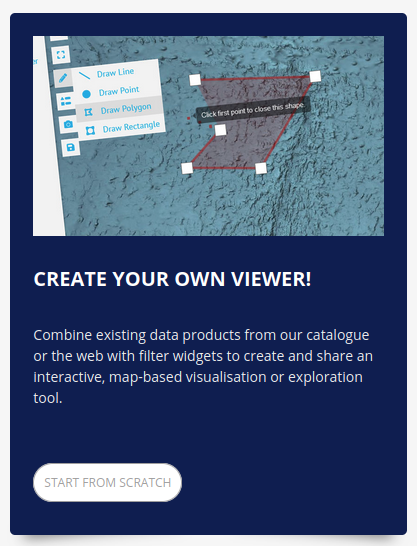
To start with an empty viewer, go to a portal's viewers overview page (e.g. marine-data.de/viewers) and use the prominent CREATE YOUR OWN VIEWER! tile (screenshot) or directly visit the portal's new-viewer URL (e.g. marine-data.de/viewers/new).
Don't forget to save!
How do I get data into a viewer?
Use the add layer tool. It supports a bunch of data sources and also offers a catalog.
In case you want/need a new map service, consult the Standard Operating Procedures to help you get it hosted.
For details, see the creator manual.